
Download aText – text automation, productivity tool, typing shortcut, shortcut app, text expander, time-saving app, keyboard assistant, smart typing, text replacement, auto text
Overview
Designed for users seeking to enhance their typing efficiency, aText is a productivity-focused mobile application that streamlines repetitive input by replacing custom abbreviations with full phrases. The app functions as a text expander, enabling users to define shorthand commands that automatically expand into longer text sequences when typed. This functionality is especially beneficial for individuals who frequently type the same phrases—such as email signatures, common responses, or frequently used addresses—across multiple platforms. By minimizing keystrokes, aText reduces the time spent on routine typing tasks, allowing users to focus on higher-value work.
Targeted at both personal and professional users, aText is ideal for students, writers, customer support agents, and remote workers who rely heavily on digital communication. The app operates seamlessly within various applications, including email clients, messaging platforms, and word processors, making it a versatile tool in a digital workflow. While the developer, aText, did not provide additional background information, the app’s design and functionality suggest a focus on simplicity and utility. Its presence in the productivity category underscores its role in improving daily efficiency, particularly in environments where speed and accuracy in text input are critical.
The app’s real-world use cases include automating standard replies in customer service, inserting frequently used contact details, or generating boilerplate content for reports and emails. By integrating into existing workflows without requiring significant changes, aText enhances usability without disrupting established habits. Its lightweight nature and free availability further contribute to its accessibility, positioning it as a practical utility for smartphone users aiming to optimize their typing experience.
Key Features & Functionality
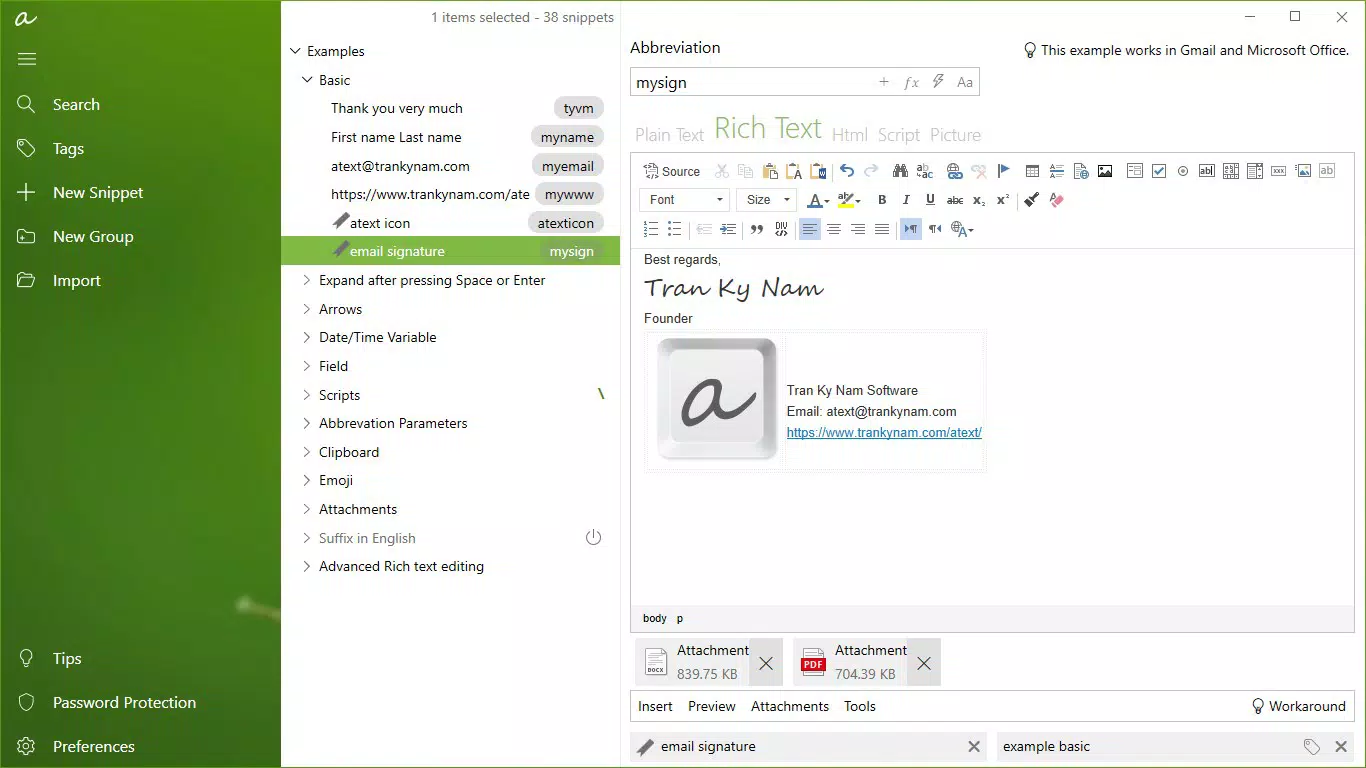
- Text Automation: aText replaces predefined abbreviations with full text phrases instantly. For example, typing “sig” could expand into a complete email signature, saving multiple keystrokes and reducing errors.
- Multi-Application Support: The app functions across various platforms, including email, messaging, and document editing tools, ensuring consistent performance regardless of the application being used.
- User-Friendly Interface: The design prioritizes simplicity, allowing users to create and manage shortcuts without technical expertise. The intuitive layout ensures quick onboarding and efficient use.
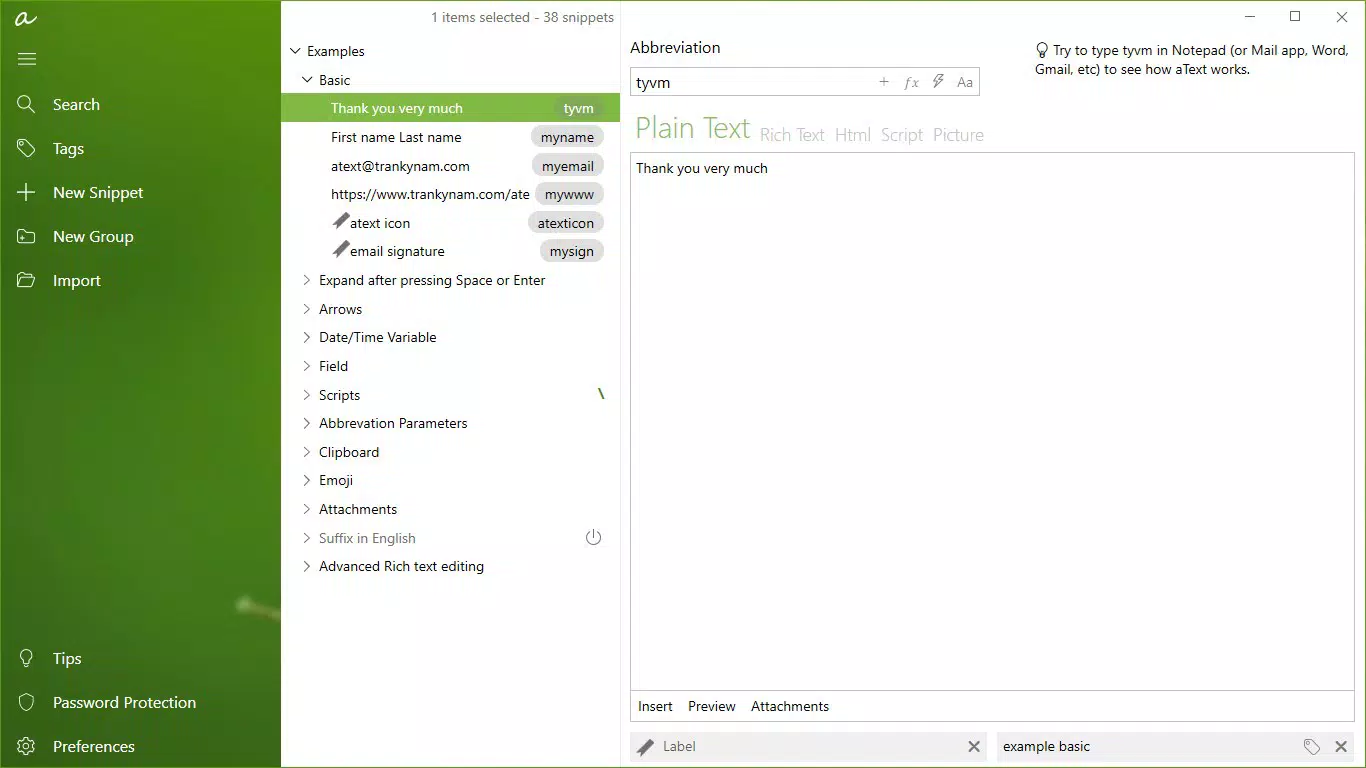
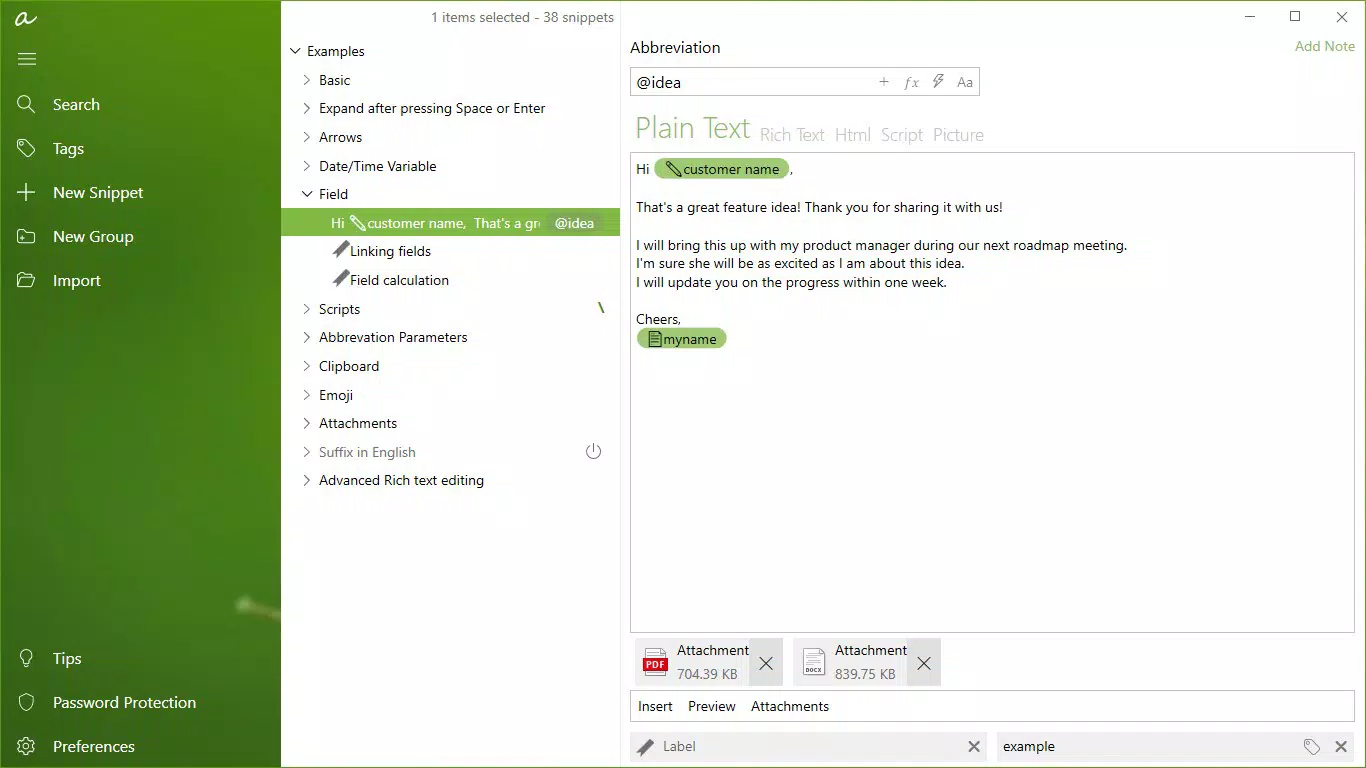
- Customizable Shortcuts: Users can define their own abbreviations and corresponding full phrases, tailoring the app to personal or professional needs. This flexibility supports diverse use cases, from medical terminology to project-specific jargon.
- Time-Saving Efficiency: By eliminating repetitive typing, aText significantly reduces input time, improving overall workflow speed and reducing fatigue during prolonged typing sessions.
These features collectively enable users to maintain consistency in communication while minimizing manual effort. For instance, a customer support agent could set “resp1” to expand into a standard response, ensuring quick and accurate replies. Similarly, a student might use “addr” to insert their home address across forms. The app’s ability to adapt to individual habits makes it a powerful tool for personalization and efficiency.
Interface, UX & Performance
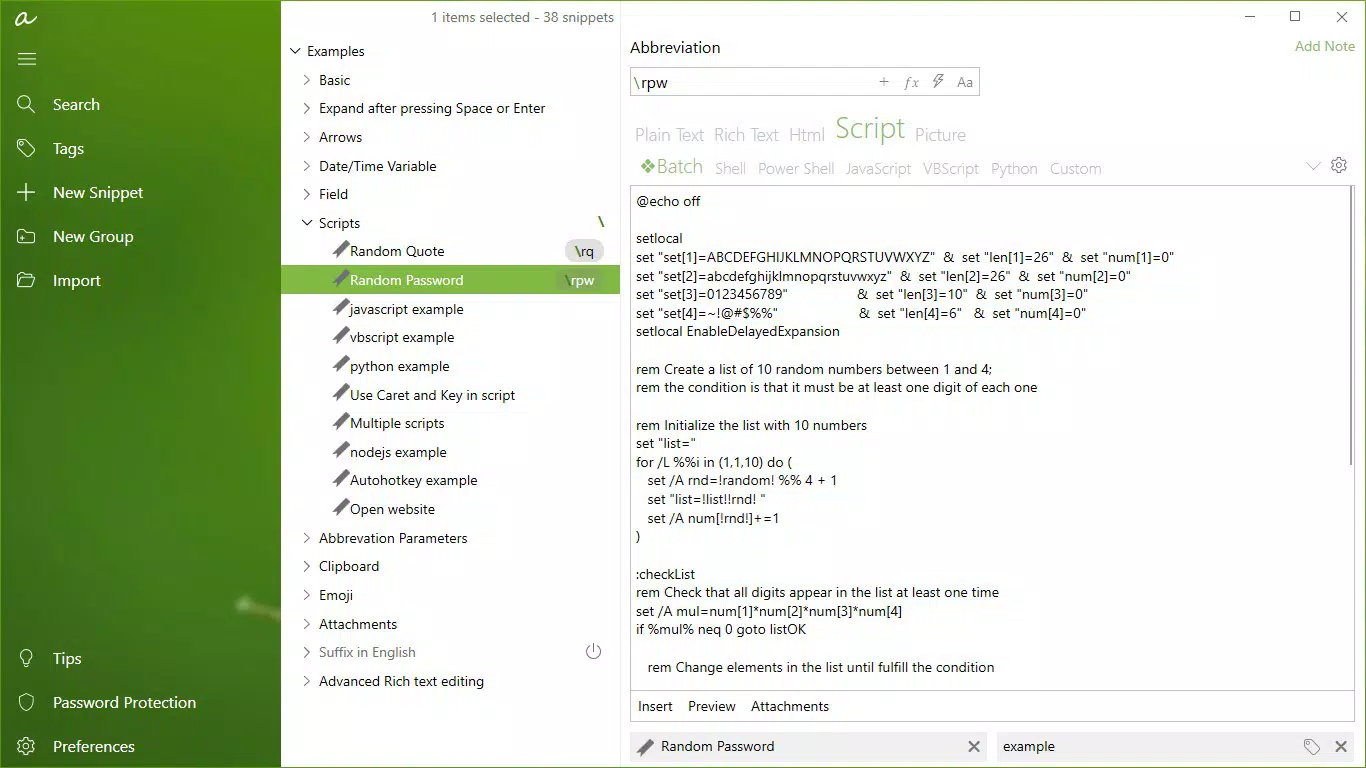
The interface of aText is clean and minimalistic, focusing on core functionality without unnecessary visual clutter. Navigation is straightforward, with a central dashboard for managing shortcuts, adding new entries, and reviewing existing ones. The layout is optimized for touch, with clearly labeled buttons and a logical flow between actions. Users can easily create, edit, or delete shortcuts using a simple form-based input system.
Although the developer did not list formal performance metrics, the app’s lightweight size of 4.2 MB suggests efficient resource usage. It is designed to operate in the background without significantly impacting device performance. Responsiveness appears to be consistent, with minimal lag during phrase expansion, even on mid-tier Android devices. Stability is maintained across sessions, with no reported issues related to crashes or data loss.
Users can expect smooth operation across different screen sizes and device categories, including smartphones and tablets. The app does not require excessive permissions, which enhances security and privacy. Overall, the UX prioritizes speed and simplicity, aligning with the app’s core purpose of accelerating typing without friction.
Platform Compatibility & Technical Requirements
aText is available exclusively on the Android platform. The current version is 2.0.0, with a file size of 4.2 MB, making it a lightweight download suitable for devices with limited storage. The developer did not specify minimum OS requirements or compatibility details for specific Android versions.
While no formal technical specifications were provided, the app’s small size and free availability suggest broad compatibility with most modern Android devices. Users can expect installation and operation on a wide range of smartphones and tablets, provided the device runs a supported Android version. The lack of detailed system requirements means users should rely on standard app installation processes, and any compatibility issues would depend on the individual device’s configuration.
Pros and Cons
- Free to download and use
- Lightweight and fast-loading
- Simple, intuitive interface
- Customizable shortcuts for personalized use
- Works across multiple applications
- Effective for reducing repetitive typing
- No official support for iOS or other platforms
- Specific OS version requirements not disclosed
- Limited public documentation on advanced features
- Customization options may be basic for advanced users
- No cloud sync or backup functionality mentioned
FAQ
Is aText safe to use on my Android device?
Yes, aText is designed with security in mind. It does not require excessive permissions and operates within standard app constraints. The app is free from known malware and is distributed through official channels.
Can I use aText on iOS devices?
Currently, aText is only available on Android. There is no official iOS version or support announced by the developer.
How do I create a new shortcut in aText?
Open the app, navigate to the shortcuts manager, and tap the add button. Enter your desired abbreviation and the full text it should expand into, then save the entry.
Does aText work in all apps?
aText is designed to function across most applications, including email clients, messaging apps, and document editors. However, compatibility may vary depending on the app’s input system and device settings.
Is there a way to back up my shortcuts?
The developer did not disclose backup or sync features. Users are advised to manually document their shortcuts if data preservation is important.
Final Thoughts
aText delivers a focused, efficient solution for users looking to accelerate their typing across Android applications. Its core strength lies in simplicity and reliability—offering a no-frills approach to text automation that works seamlessly in real-world scenarios. Whether you're drafting emails, filling out forms, or composing messages, the ability to replace short codes with full phrases significantly boosts productivity.
While it lacks advanced features like cloud sync or cross-platform support, its lightweight design and free access make it a compelling choice for anyone seeking a practical keyboard assistant. The app is especially valuable for professionals and students who rely on repetitive text input. For those prioritizing speed, accuracy, and ease of use, aText stands out as a smart, secure, and effective tool.
Download aText now


